The challenge
Checking competitor prices and preparing comparisons was done by hand, across spreadsheets and scattered websites. Each salesperson did it their own way. Every proposal took longer than it should, and the same prospect could hear different arguments depending on who replied.
What we did
What people did
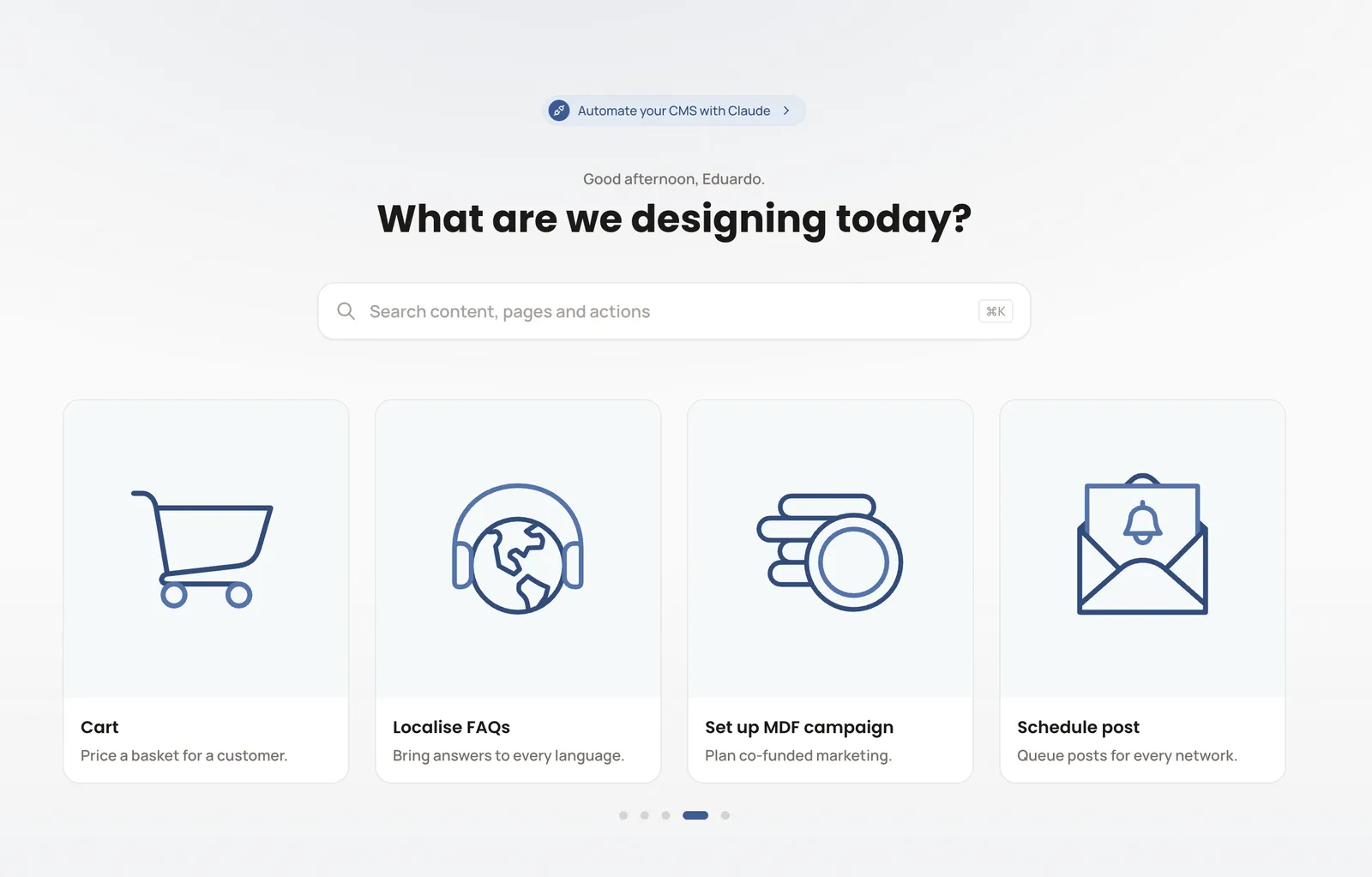
We listened to the sales team to learn which questions come up in a conversation with a prospect and which arguments work. From that we defined the CMS structure and the argument cards for each competitor, and trained the team to get the most from the tool. The CMS connects to the tools the team already uses, such as HubSpot and Confluence, and also holds the shared images and files (digital asset management).
What AI does
- Drafts copy comparing the company with each competitor, ready for proposals and emails. The salesperson reviews it before sending.
- With Claude (Anthropic) connected to the CMS through its API and MCP, editors, account managers, business development and marketing ask questions in plain language and get answers based on current data.
- Sends alerts when a competitor changes its prices.
Inside the CMS
Everything the sales team knows about the competition lives in one place, and anyone on the team can work from it.
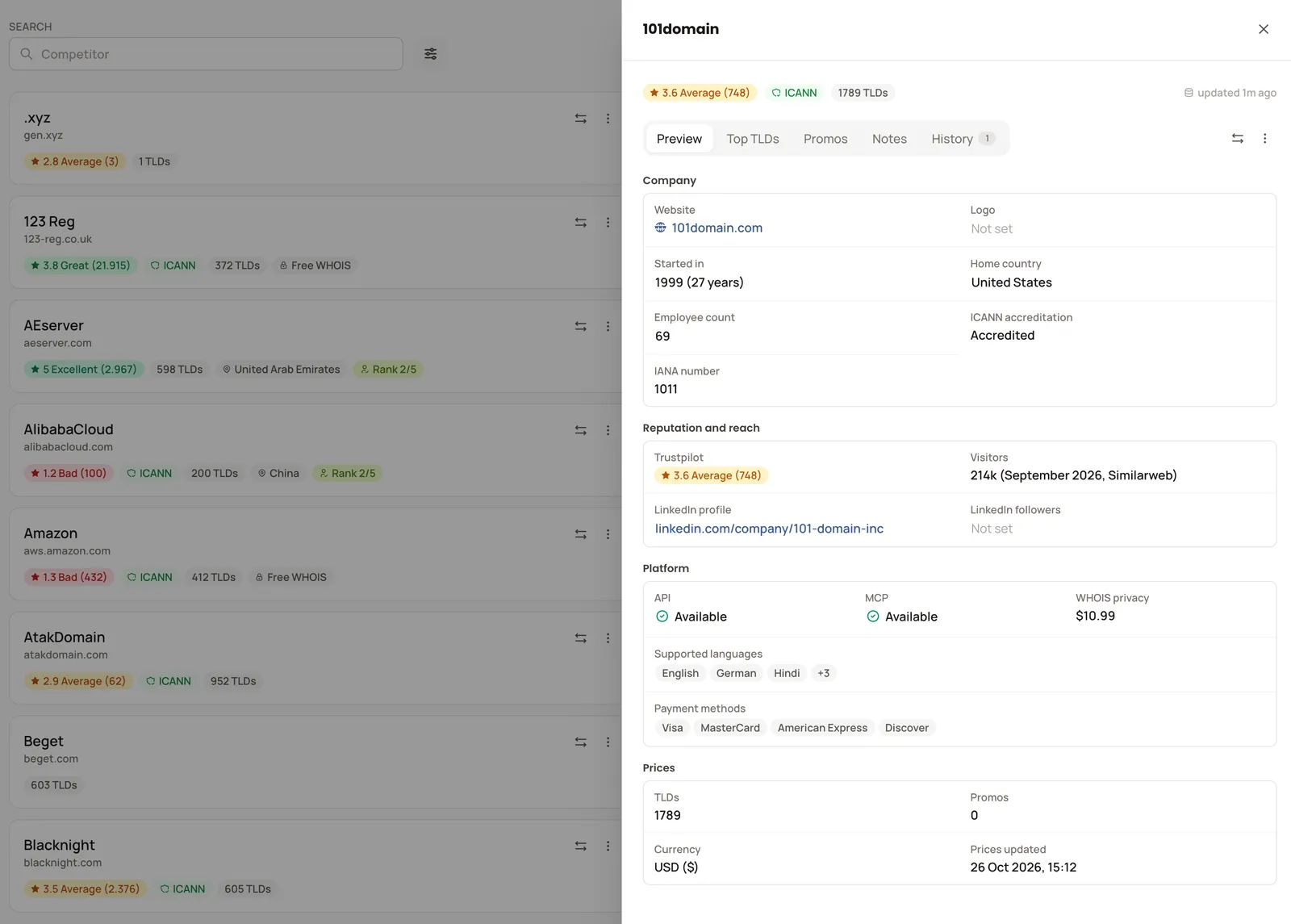
- 1Trustpilot and ICANN accreditation
- 2Visitors, API and MCP
- 3Prices per extension
The results
- 107 competitors tracked in one place.
- Price checks and comparisons are no longer manual: the team looks things up in the CMS or asks Claude.
- Everyone on the team uses the same data and the same arguments.
What this can do for you
If your sales team loses time hunting for prices, arguments or scattered information, a simple CMS with AI brings it into one place and answers when needed. It works as the team's shared memory and was built without an in-house engineering team.